Moda / Levy Volunteer
About
Portland Choir & Orchestra has been granted the rare opportunity to participate in the Non-Profit program sponsored by Levy Restaurants. The program involves staffing one of several Levy-operated concession stands at the Moda Center during events such as Blazer Games and concerts. Your participation can result in significant funding for our organization. Based upon the group size, your commitment can be as little as once or twice per year, and as much as four times per month.
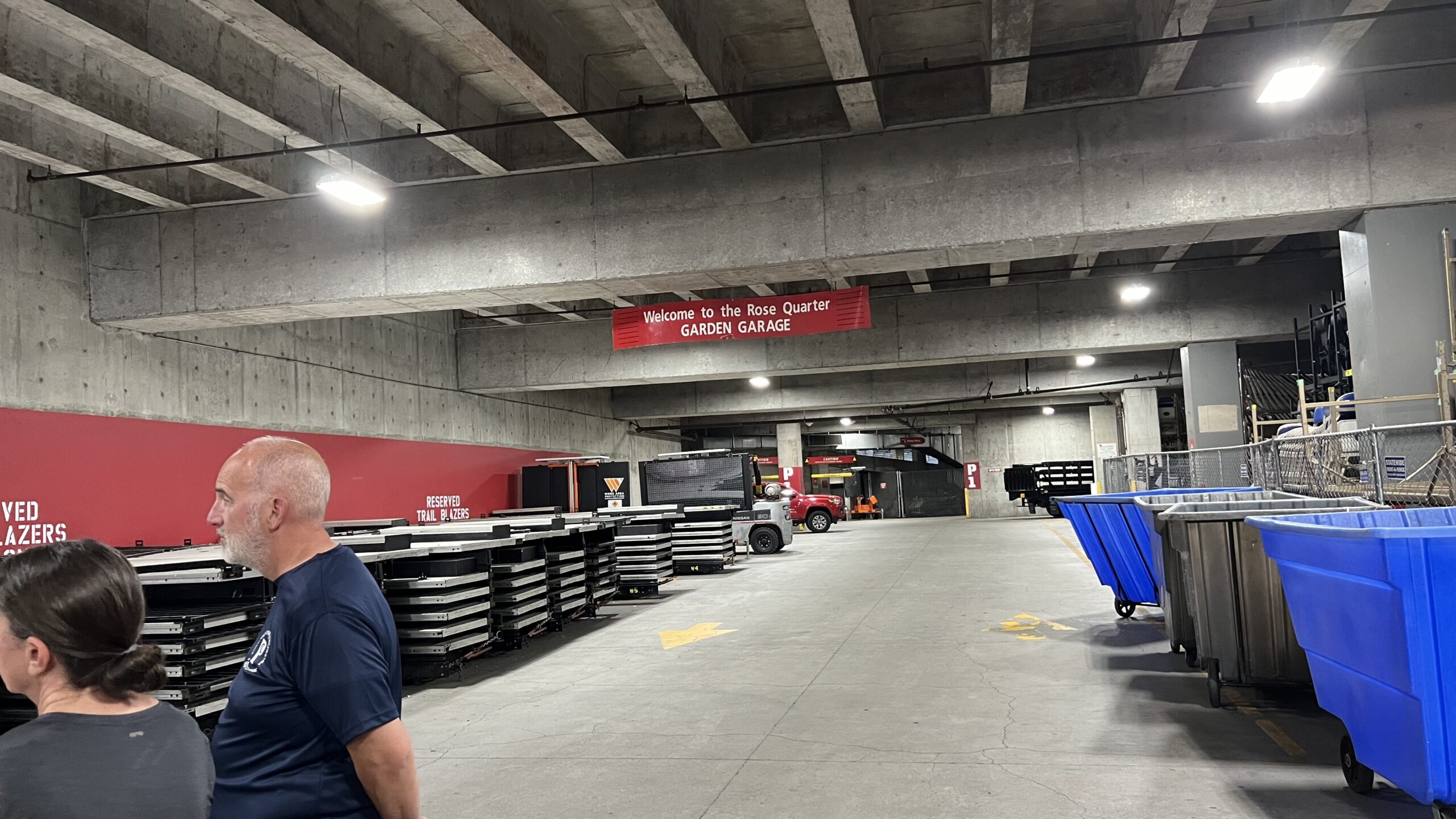
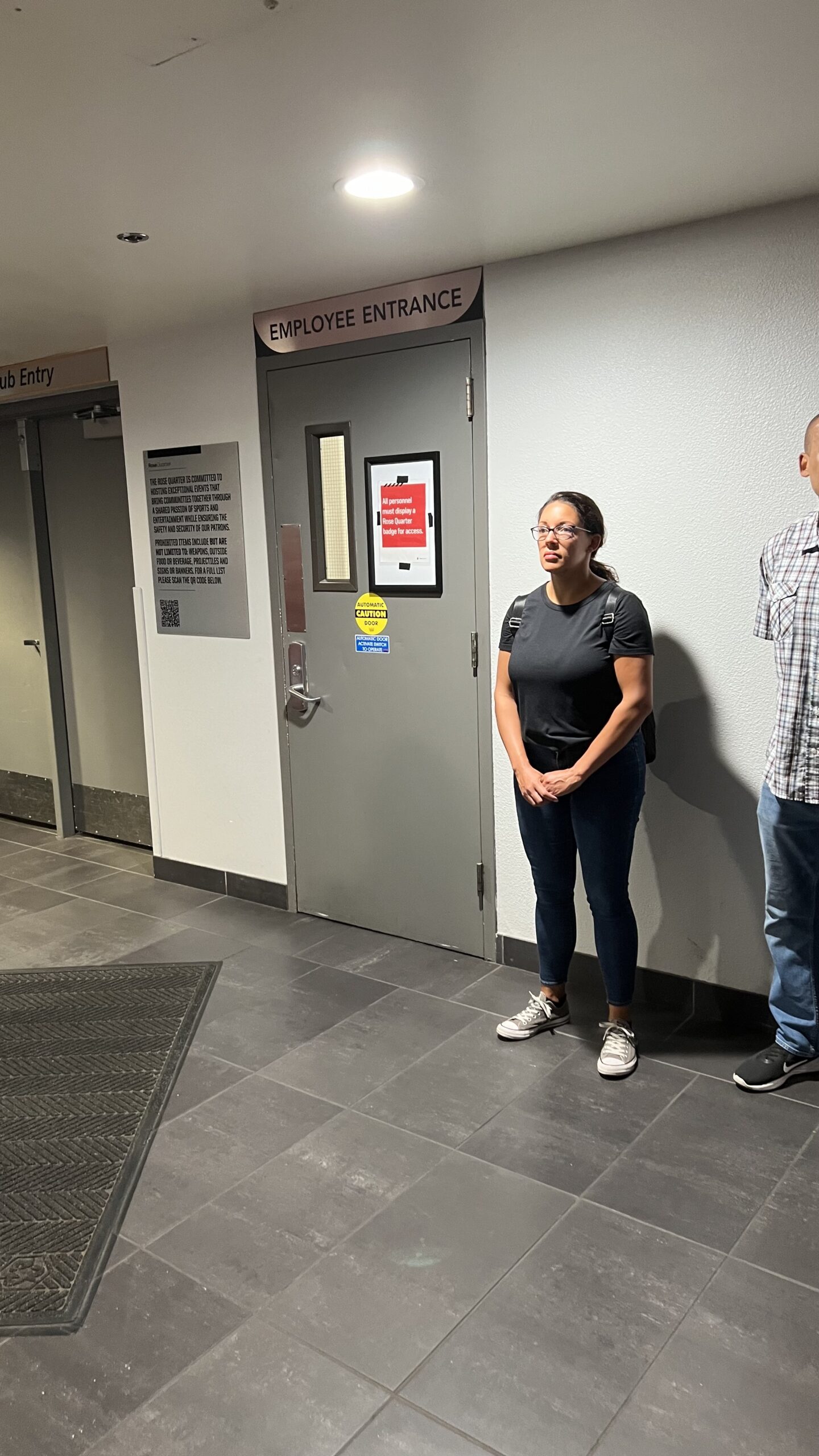
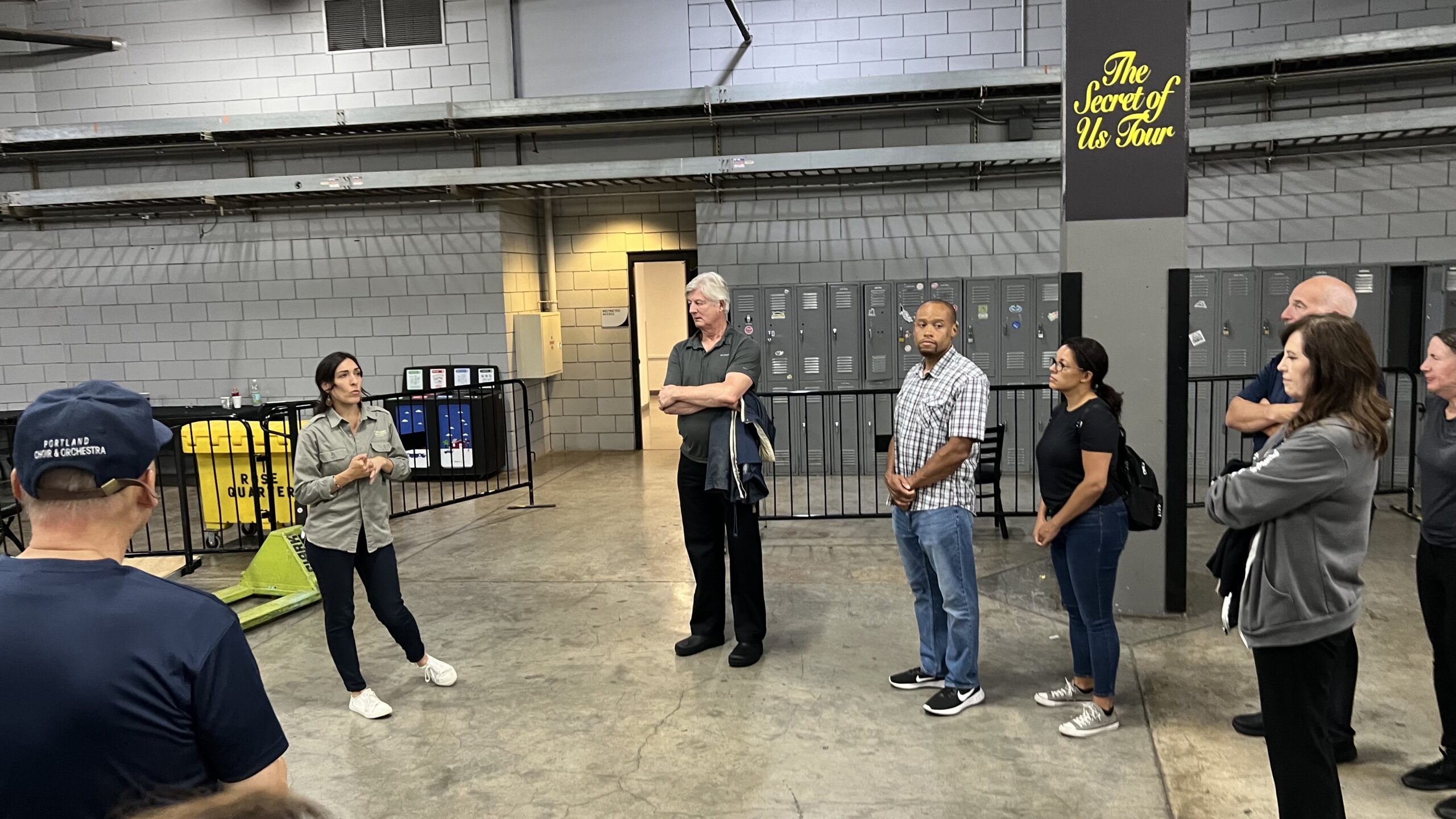
The application process is explained below, followed by notes from the required 4-hour training at the Moda Center, and a gallery of photos.
Application
The website where you land when beginning the application process is extremely difficult to navigate. If this is where you start…
COMPLETE VOLUNTEER DOCUMENTS HERE
… hopefully these hints will be helpful…
- Start Volunteer Online Training (step 3 as it is referenced in step 1 and it will be less confusing if you have already completed it). The training will end with a request for your email address. Do not bypass this, as providing your email triggers an email to you with a certificate attached. You will need to download this certificate and upload it later. It says you can download the certificate at completion, but this still does not work. You must wait for the email and download the attachment.
- Now you can proceed with step 1, Complete Your Annual Paperwork. This is an e-signature style PDF powered by Dropbox. At the end, you will need to download the completed PDF and save it with the one from the previous step above. Note, the online training certificate (see above) attachment on page 3 is not required, as you upload it at the end of the application process, and the cash handling portion on page 17 does not apply as all transactions are via credit card.
- Step 2 is optional for most, but mandatory for volunteers under age 18. I don’t have details on this step.
- Food Handler Certificate and training. This certificate is good for 3 years. Don’t go here unless you need to renew or apply for a new permit. After you pay the $9 discounted fee, you have one and only one opportunity to view a “study guide”, and you must complete it without stopping. If you navigate away, you may not be able to return. Several people have reported the “study guide” is mysteriously skipped and getting sent directly to the test. Here is a copy of the static study guide in case you lose yours. You will need to download and save your certificate and id card at the end. You need to carry it with you when working at Moda (either printed or on your phone), and you will need to upload it at the end of this process.
- OLCC – Oregon Liquor and Cannabis Commission. NOTE, this permit lasts 5 years. Don’t go here unless you need to renew or apply for a new permit. This site is a portal to which you can return until you take the test. You must choose the state of OREGON, regardless of where you live. Before you start training, you will have the opportunity to download or print a temporary permit. Now is the time to download this and save for uploading at the end of this process. You have 45 days from starting the application to pass the test. When you pass the test, there will be a short review before you can download your official permit.
- Step 6 refers to a background check. This is strictly informational. Once you complete step 8, you will be sent an email with instructions to complete the background check.
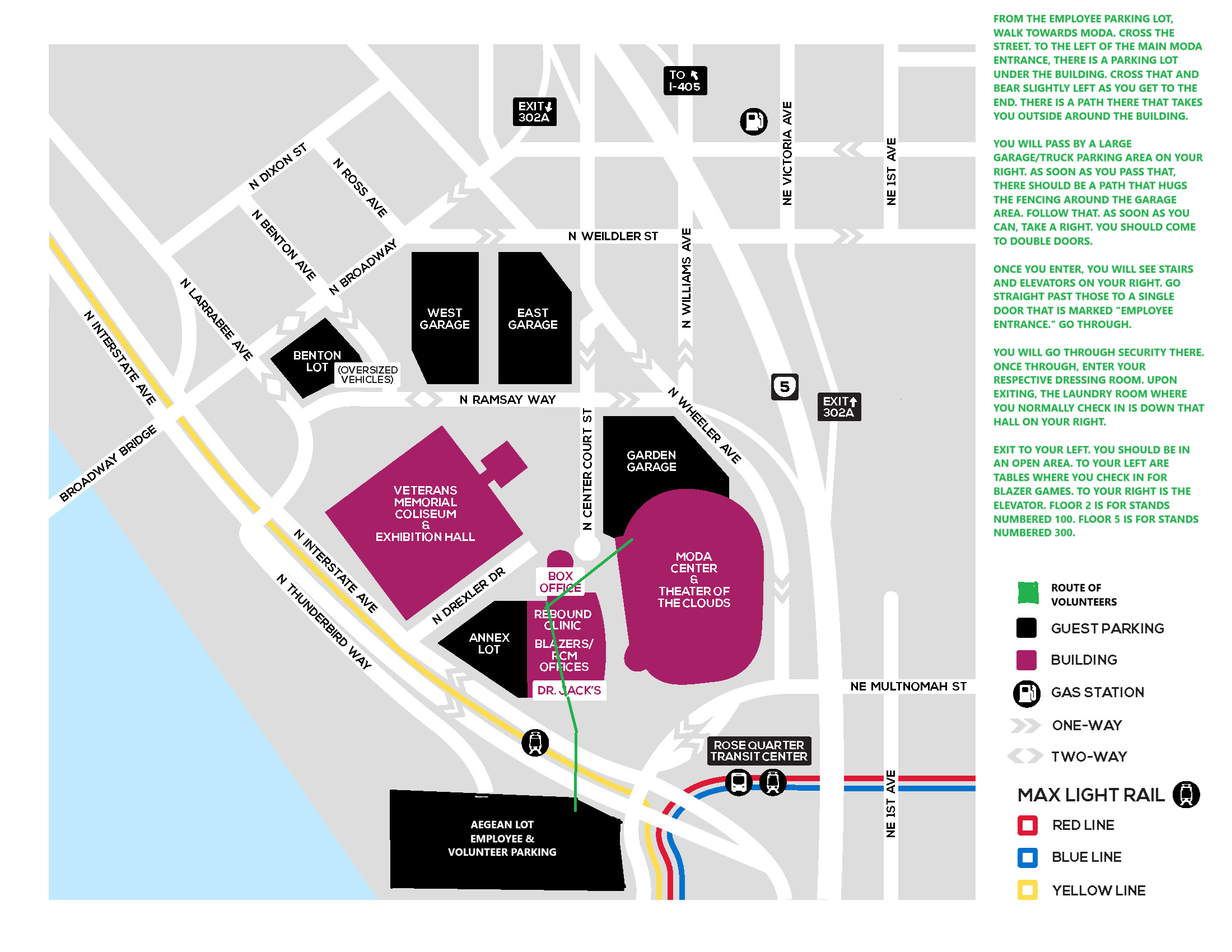
- Parking permit. This refers to a Google Form that you fill out for your parking permit. This must be renewed annually. The permit will be in a batch sent to Kathryn for distribution. If you don’t receive it within a reasonable time, let Kathryn know. Here is a Google Map to the Aegean parking lot across Interstate Ave.
- FINALLY, this is where you upload all of the things you collected in the previous steps…
- Annual Paperwork (PDF)
- Online Training completion (PDF)
- Food Handler
- OLCC
- You will also need to upload a picture of your drivers license. It would be wise to capture this before starting the final step.
Please leave comments below to help us maintain the accuracy of this page.
Training Notes
Trash, recycle, reuse… Levy is very proud of their reusable cups… lids can be problematic
Compost includes all food, including meat, but no paper
Food contaminated paper is trash, not recycled
Sanitation — ”peep this” QR
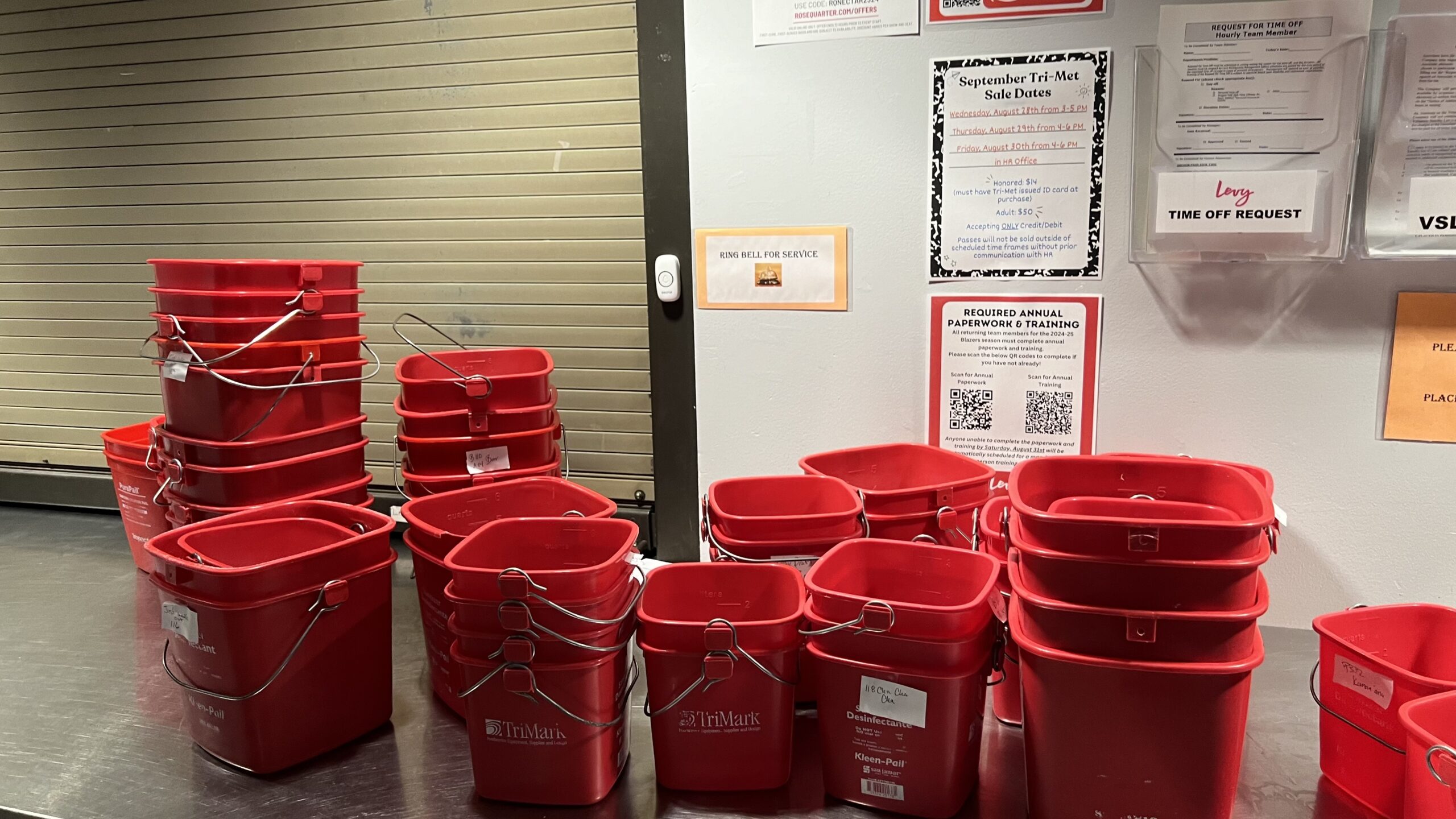
Red sani bucket – one per stand… filled using special mixing valve at kitchen sink with Quot sanitizer…. Cold water only… test strip ??? 200-400 ppm
Personal water bottles allowed only stored in designated space behind stand. Must have a straw — no tipping to drink.
No eating food in stands
Ticketed guests in “the bowl” only… one time terminal offense!
No entering a stand not working in
Don’t take home or eat leftover food… compost!
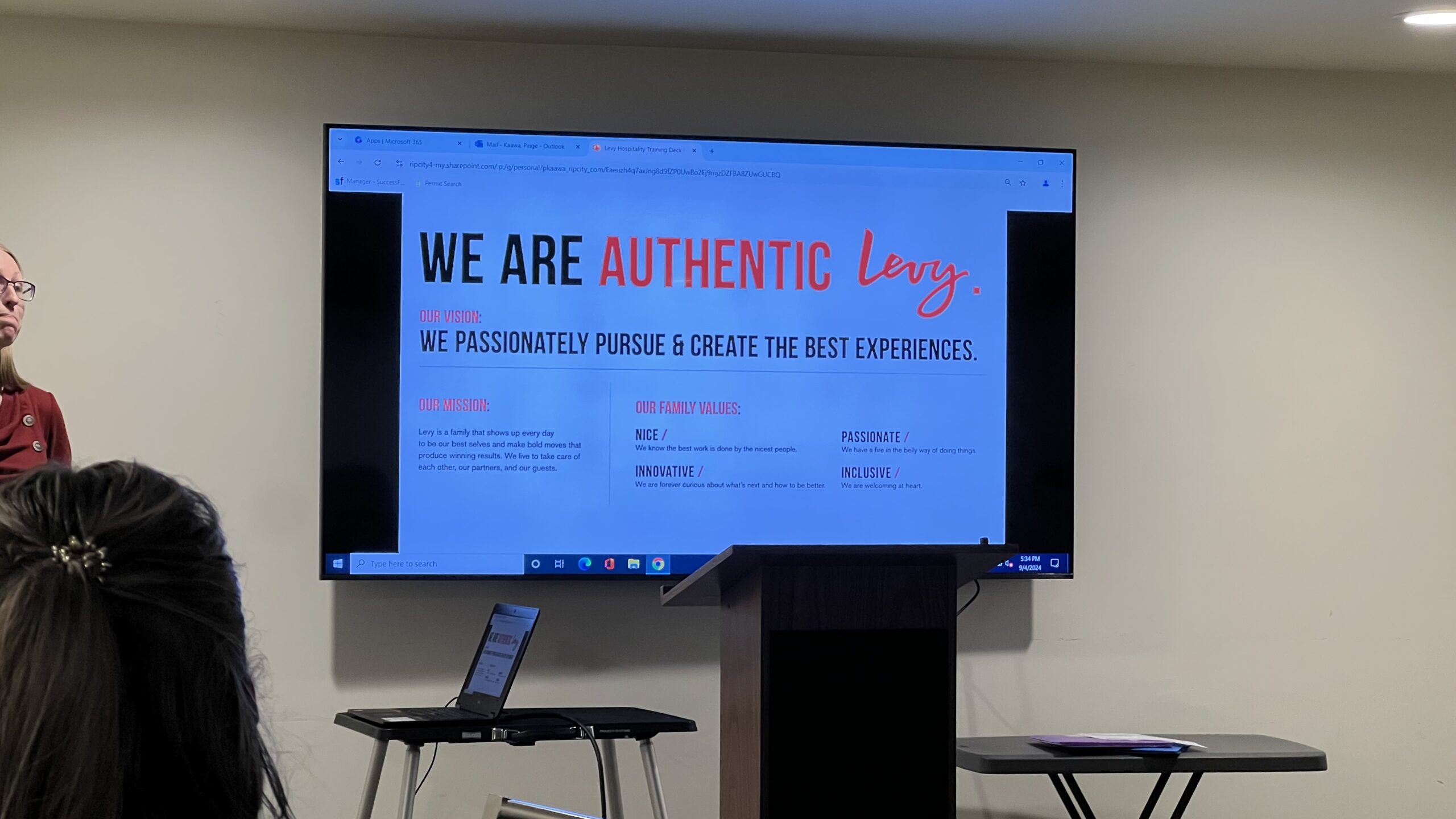
Mission, values, standards
Customer comes 2nd — we take care of each other 1st
Perks
Free meal while working (fromLlevy stands only)
40% off merch with Levy ID even as a guest
40% of food with Levy ID even as a guest
Ticketmaster discount – URL?
Parking — issued once Kathryn gets all apps
Lot across interstate Ave – Aegean Lot – enter via N. Thunderbird Way across Interstate Ave at N. Larrabee Ave
Hospitality – GUEST connect
Greet — positively, smile… But get thru the line _
Understand
Exceed
Support — soft yes vs hard no
Thank — invite back
Service recovery — ACT
Apologize
Correct
Thank
RAS
Serve alcohol responsibly
No 3rd drink — canned wine: one only
Alcohol service incident log — must fill out every event… even if no incidents — otherwise tally only
Youth (16+) can serve beer (and wine but not 503), but not “liquor”… based upon alcohol content
Beer in cans must be opened before handing to the customer.
Pouring beer is an art — too much suds at top is unacceptable — start tap until runs reasonably clear before placing cup under flow at an angle and with side of cup very close to tap so that beer flows down cup inside wall, not splashing on bottom and foaming up uncontrollably.
POS
Need to review with staff before shift starts.
PCO PIN 8643
Cashless… Apple Pay, Google Pay, … repeat, NO CASH ACCEPTED. Reverse ATMs located on the 100 level (at A-6 and A-21), the 300 level (at C33), and between the Box Office and Rebound Sports Clinic, accept cash and spit out a pre-loaded debit card.
Combo meals (chicken strips, burgers, …) separate (and possibly obscure) POS menu items include beverage (regular soda or bottled water) that must be added to cart after combo menu item is chosen. Originally pricing was the same as adding beverage separately, but no longer… must go through these extra steps to add beverage to combo meal.
Note, waffle fries and garlic fries standalone menu items must use small tray (do not confuse with burger basket trays preloaded with fries — see inventory below) and are typically ordered on demand by shouting to kitchen.
Employee meal vouchers do not use register! Must circle menu item on voucher and accumulate all vouchers per stand lead instructions. These need to be accounted for at stand closing.
Member app — built in to register — only for Blazer games — this is the only use for the separate IR scanner. This unfortunately is complicated, and you will need assistance the first time. App has live (changing) QR vs ticket (barcode) — no screenshot — wallet ok. Bottom left of register screen has discounts (see below), and two MBR buttons, one with % and one with $. Customer must decide whether to pay with the app, or just apply the discount. This determines which button to press. If paying by card, customer must choose the tip amount (could be zero) then press the blue pay button at the bottom of the credit card scanner BEFORE scanning their device with THE OTHER SCANNER. After the MBR scan, you have to press the CARD button on your register so they can pay using the credit card scanner. If this fails, must refer customer to supervisor typically at a nearby stand to resolve. Do not give order to customer until this is properly resolved.
Employee 40% discount — only for Moda employees and Levy volunteers. — confirm with badge or voucher. Discount is applied before proceeding to payment in lower left corner of screen. Brings up a new screen … touch discount then return to previous… make sure you see discount applied before proceeding to payment.
Designated driver token — corresponding $0 menu items on POS. If these are the only cart items, cannot complete sale with credit card, must use gift certificate. Note, this is the only time a gift certificate action is appropriate!
Normally, you should wait until all order items have been placed on the counter before accepting payment, but if the stand is very crowded this is not always practical. If you accept payment before filling the order and forget the items needed, you can reconfirm items or print a receipt using the hamburger menu in the upper left corner, then choose review transactions.
Stand Lead
Click here for stand lead notes.